
Run localhost.
No terminal.
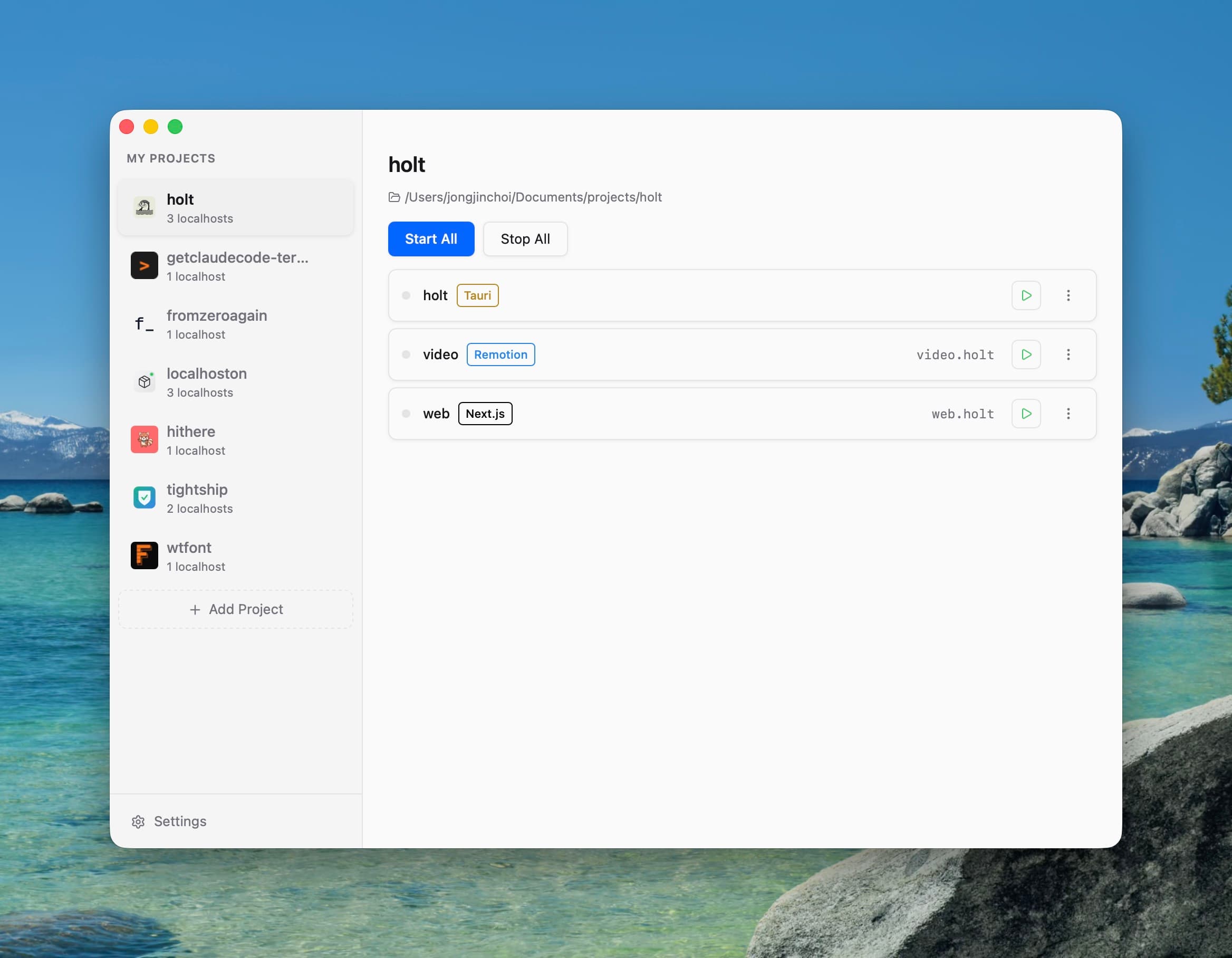
Localhoston runs whatever your AI built. Drop your folder, press play, share the link. 21 frameworks, zero commands.
You've been here before.
Here's how Localhoston works.
Drop your folder. Press play. See your project working.
Then share or deploy — no terminal needed.

“Since I built Localhoston, I've never once asked my AI coding tool to restart the localhost server.”Jongjin Choi, Creator
Your time is worth more than localhost.
One payment. Problem solved.
one-time · up to 3 devices
14-day money-back guarantee · Prices in USD.
- Run any project with one click
- Works with whatever AI built
- Each project gets its own URL
- Share a live preview with anyone
- Deploy to Vercel without Git
- Free updates forever
Doesn't matter how it was built.
You don't need to know the name. Drop your folder and it just works.
We detect what you're using automatically.
Questions & answers.
What is Localhoston?+
Localhoston is a desktop app for people who build with AI but struggle to check if their project works. If you've ever seen 'this site can't be reached' or dealt with port conflicts, Localhoston makes that disappear. Drop your project folder, press play, and see your project working — it works with Next.js, Flask, and 19 more — and handles everything.
Does it work on Windows or Linux?+
Localhoston is available on macOS and Windows. Linux support is on the way.
Is it a one-time payment?+
Yes. The Lifetime license is a one-time purchase — run any project with one click, share a live preview with anyone, and deploy to Vercel without Git. Free updates forever, with a 14-day money-back guarantee.
Will it work with my project?+
Localhoston works with Next.js, React, Vue, Nuxt, Svelte, Remix, Astro, Vite, Express, NestJS, FastAPI, Flask, Django, Streamlit, Flutter, and more. Just drop your project folder and it figures out the rest.
How do I get the app after purchase?+
After purchase, you can download the app from your dashboard. Install it and you're ready to go — just drop your folder and press play.
Do I need to install anything else?+
Localhoston needs the same runtime your project uses — like Node.js for React/Next.js, or Python for Flask/Django. If you built your project with an AI coding tool, it's likely already installed on your computer.
Is my code safe?+
Your code stays on your computer. Localhoston runs everything locally — nothing is uploaded to our servers. Sharing and deploying only happen when you explicitly click Share or Deploy.
How many computers can I use it on?+
Your Lifetime license works on up to 3 devices. You can add or remove devices anytime from your dashboard.
Still wondering? hello@localhoston.com
Stop fighting localhost.
Start shipping projects.
One-time payment · 14-day money-back · macOS & Windows